OpenStream
Movies, series and anime in one native Android app. Browse what's trending, pick up where you left off, and watch with a real player: quality switching, subtitles, dubs, downloads and picture-in-picture — on the phone or the TV.
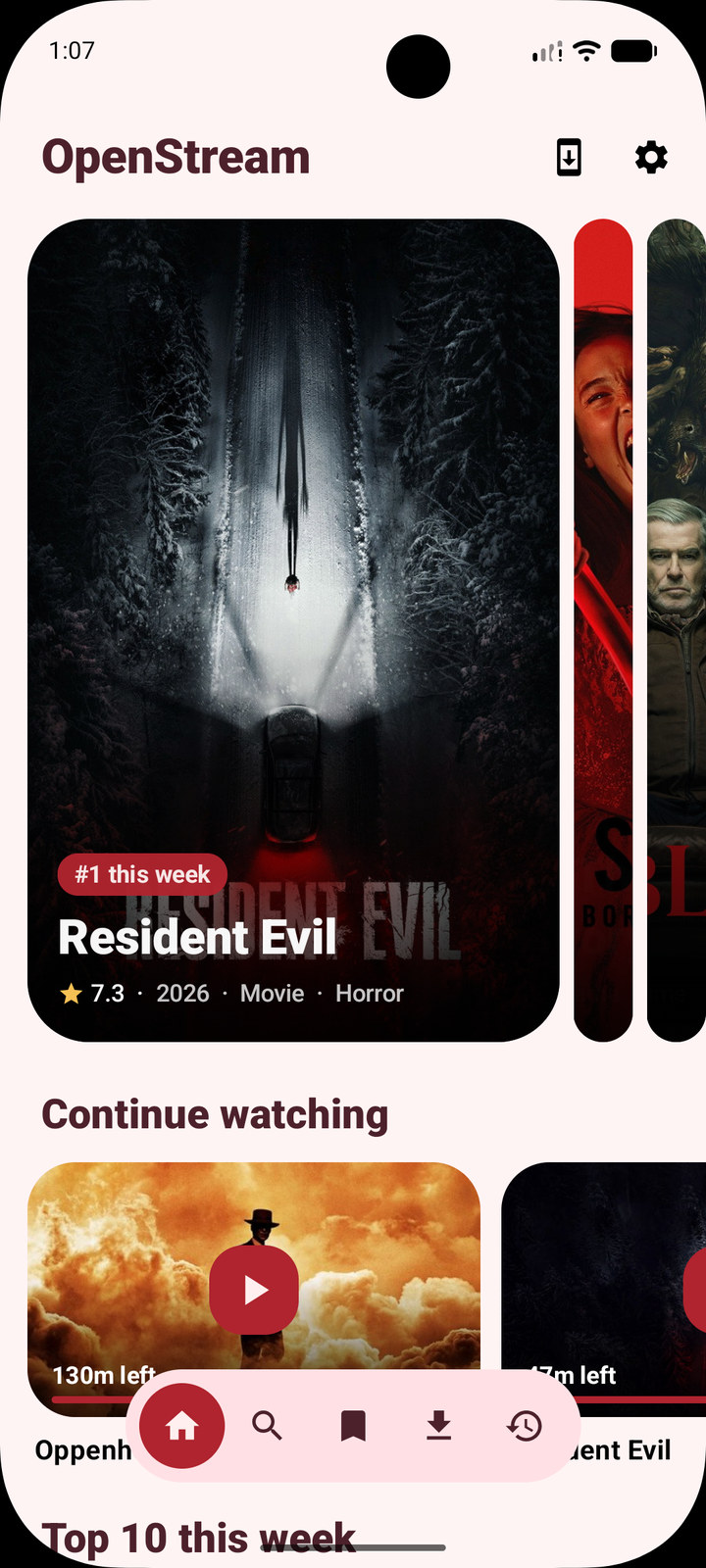
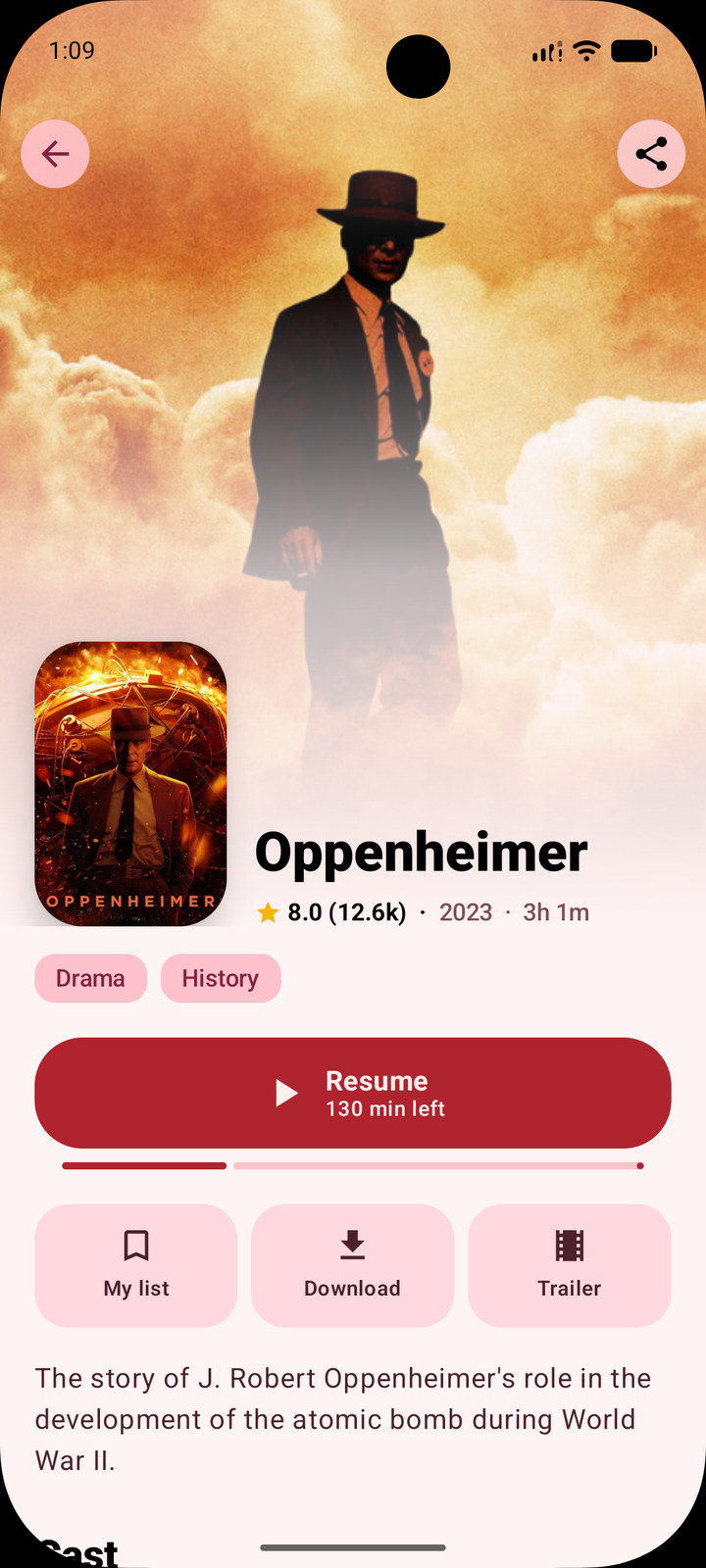
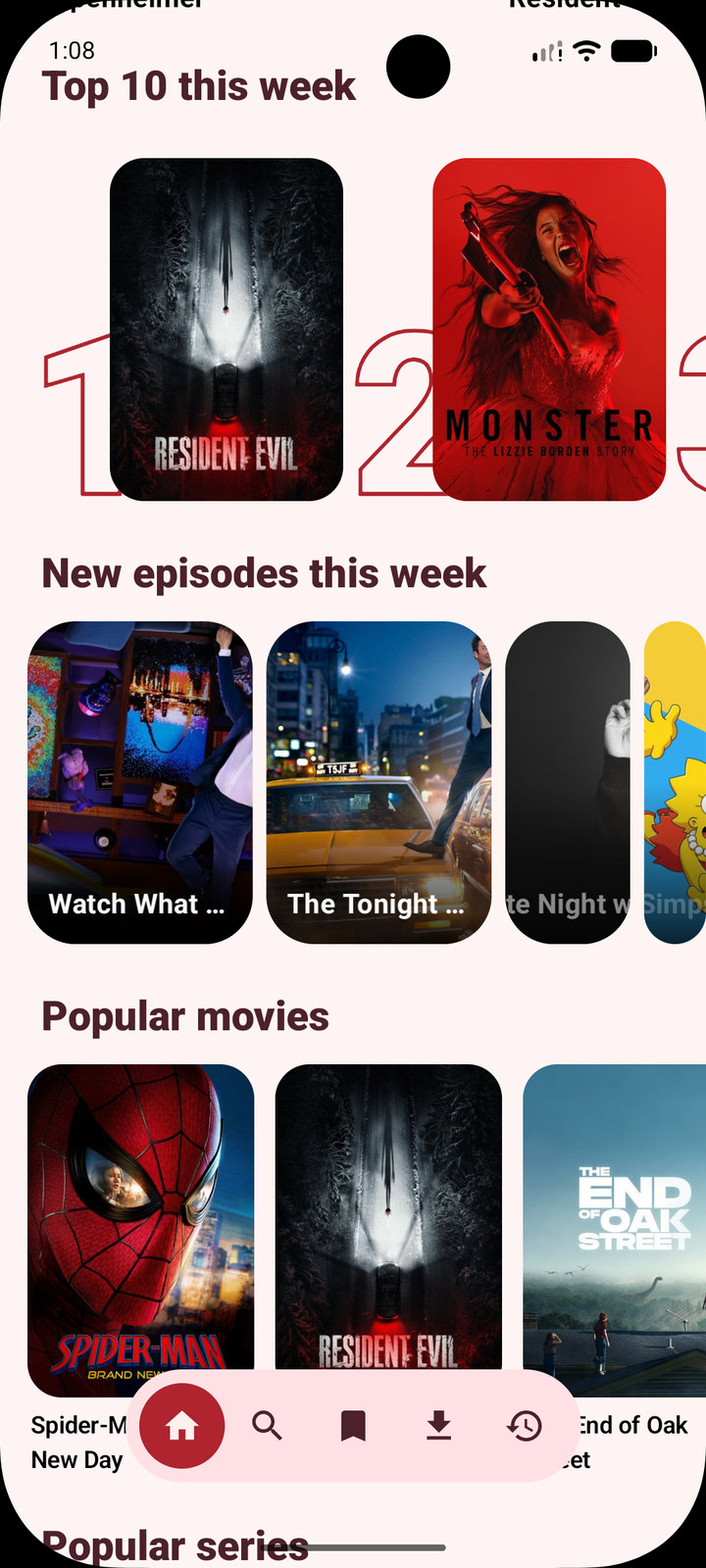
Tap any shot for the full-size capture.
Discover
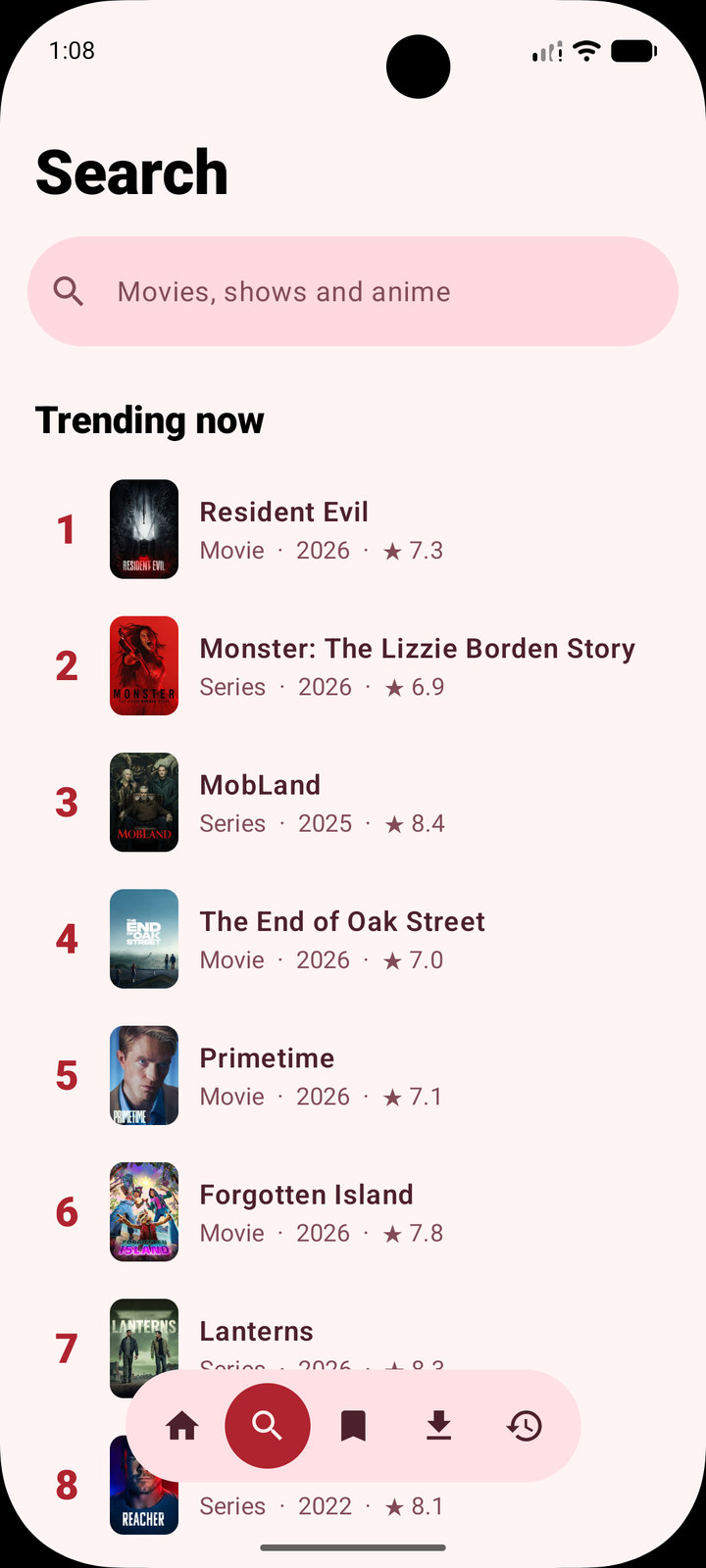
A trending carousel, a top 10, new episodes this week, and popular movies, series and anime. Like or dislike titles and a Top matches for you row appears, built from what you rated.
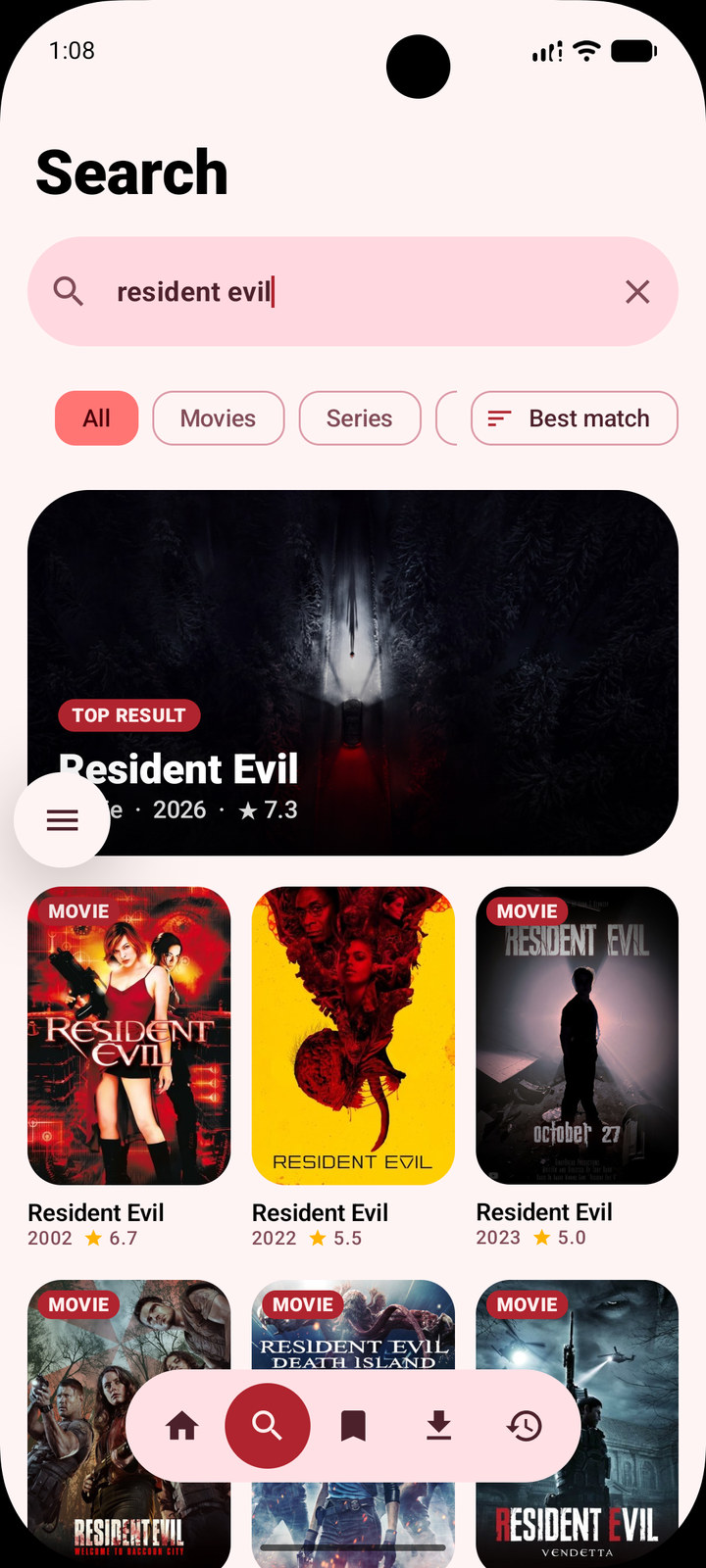
Results arrive while you are still typing, with filters, genres, trending picks and your recent searches.
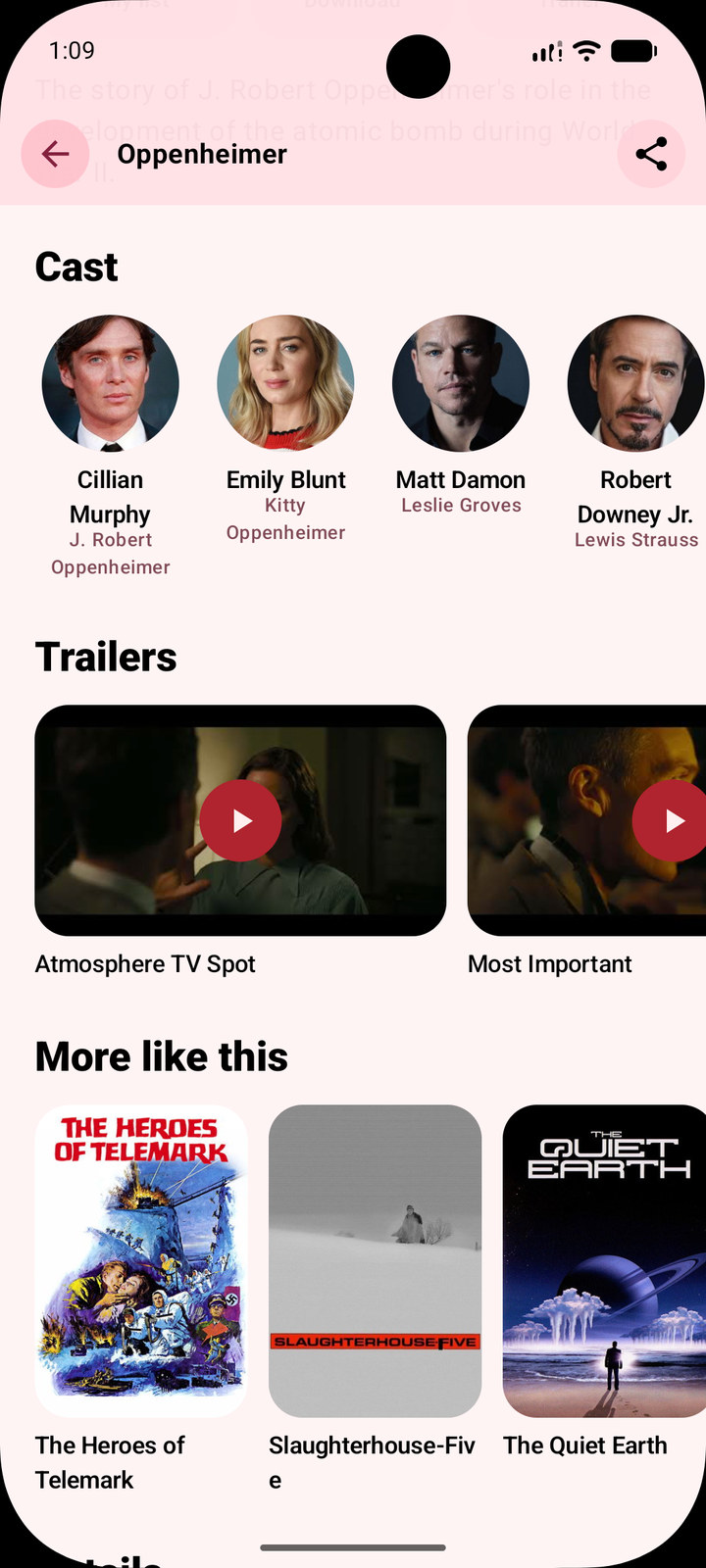
Seasons and episodes, cast, trailers and similar titles. Unreleased movies, shows and episodes can be set to remind you when they arrive.
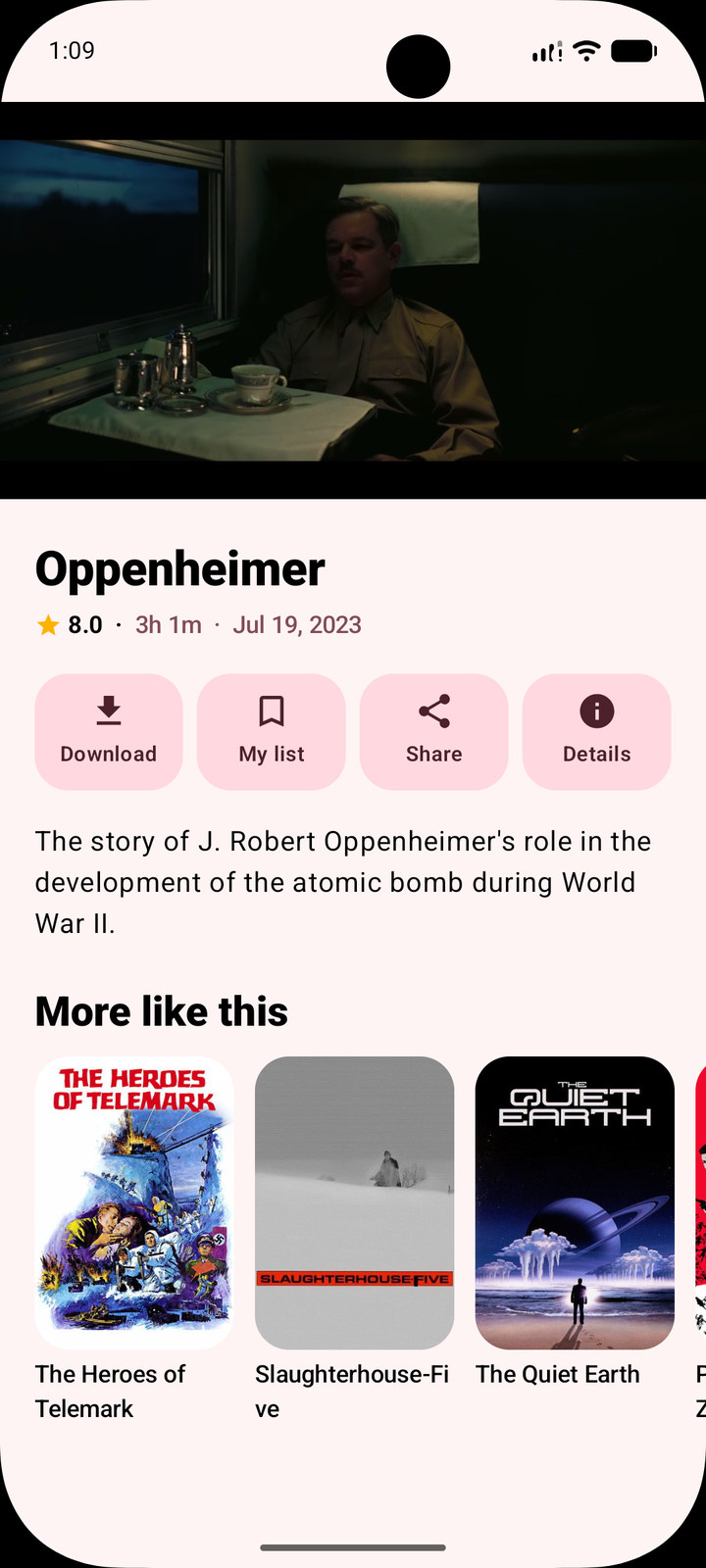
WatchA real player
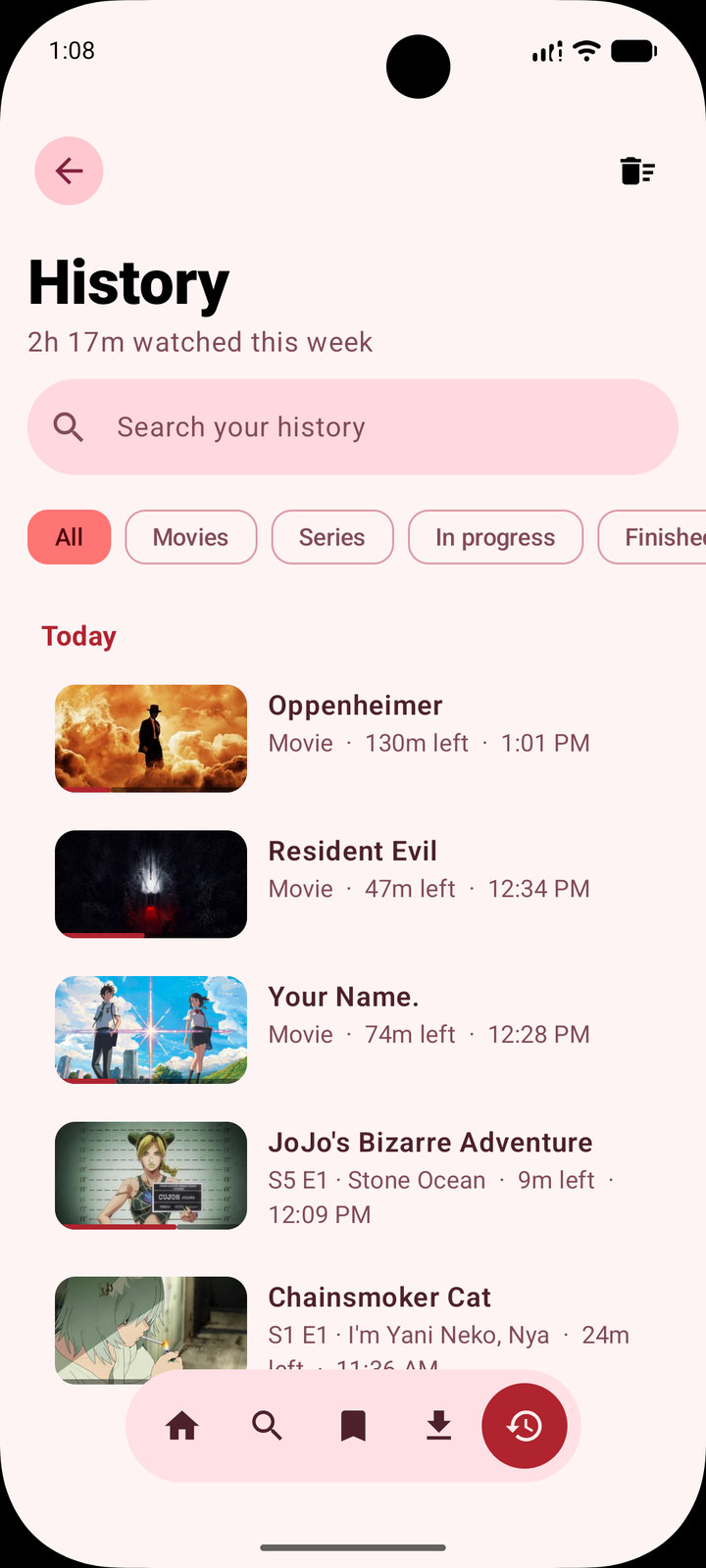
Resume from the exact spot, with the next episode lined up and played automatically, and watched marks on the episodes you've finished.
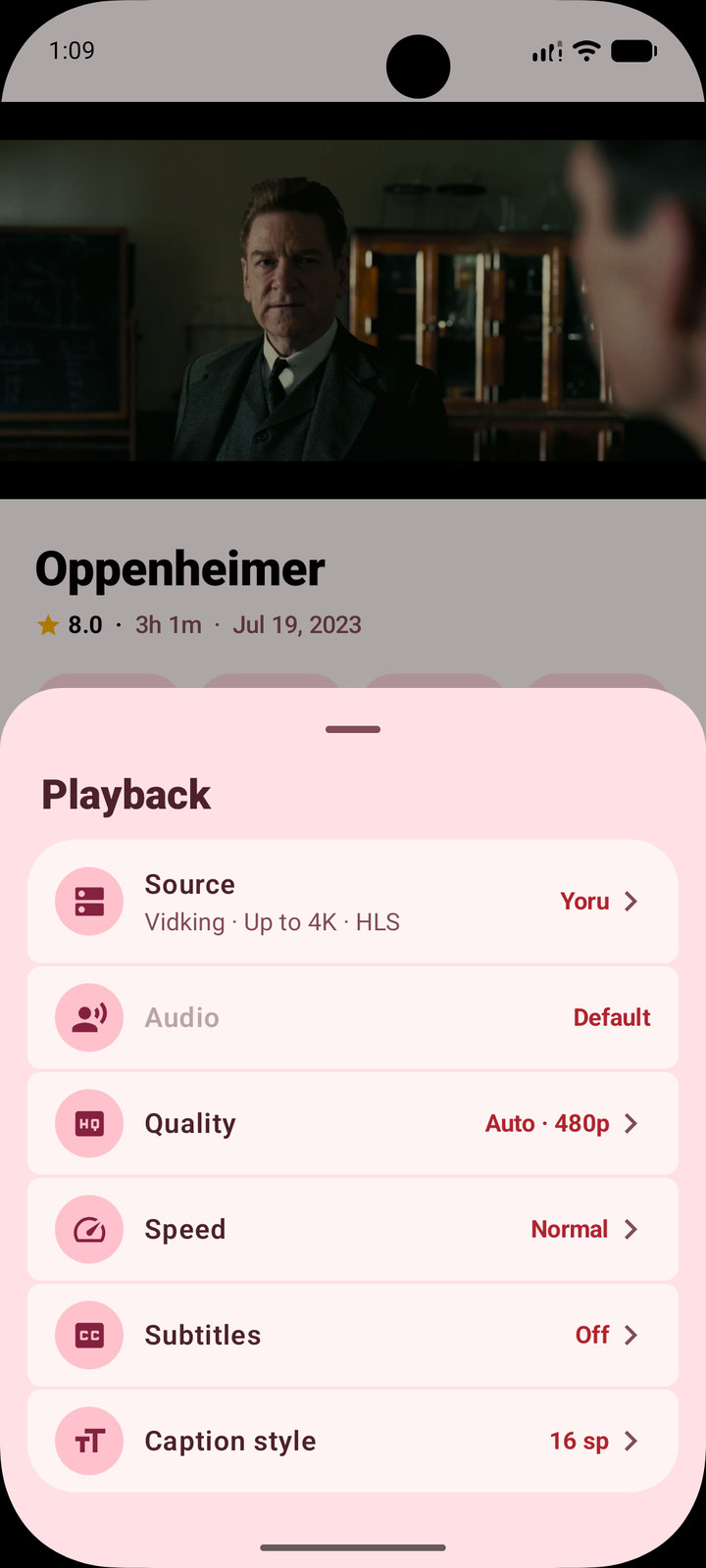
Switch quality in the player, each rendition labelled with its codec — devices without an HEVC decoder are never handed H.265 they can't play. Subtitles in many languages, from the stream or OpenSubtitles, and the original audio, a dub or another language when the source carries it.
Keep listening after leaving the app or locking the phone, with the title and artwork in the notification, on the lock screen and on headset buttons. Playback pauses when headphones come out and shares audio focus with other apps.
A mini player keeps the video going while you browse, and picture-in-picture carries it outside the app.
Optional real-time frame interpolation up to 60 or 120 fps, on a GPU with OpenGL ES 3.2. It pauses itself for HDR, battery saver and a warm phone, since it costs battery.
A prompt before streaming on mobile data, once a session, a quality cap of 720p or 480p, and a running total of the data used.
SourcesOpenStream hosts no video
Titles and artwork come from TMDB; streams come from source extensions listed in a catalog. Every installed source is asked at once, the results are ranked and the best one plays. If a source fails, the next one takes over.
The source that played last time is asked first for the next movie or episode, and the search stops there when it has streams. Find more still searches everything.
Rank installed sources and choose whether they're searched all at once or one at a time in your order. A slow source no longer holds up the others.
Paste a manifest, a stremio:// link or a configure link to add any add-on that serves direct streams. Five are in the catalog already. No torrents and no debrid.
Keep
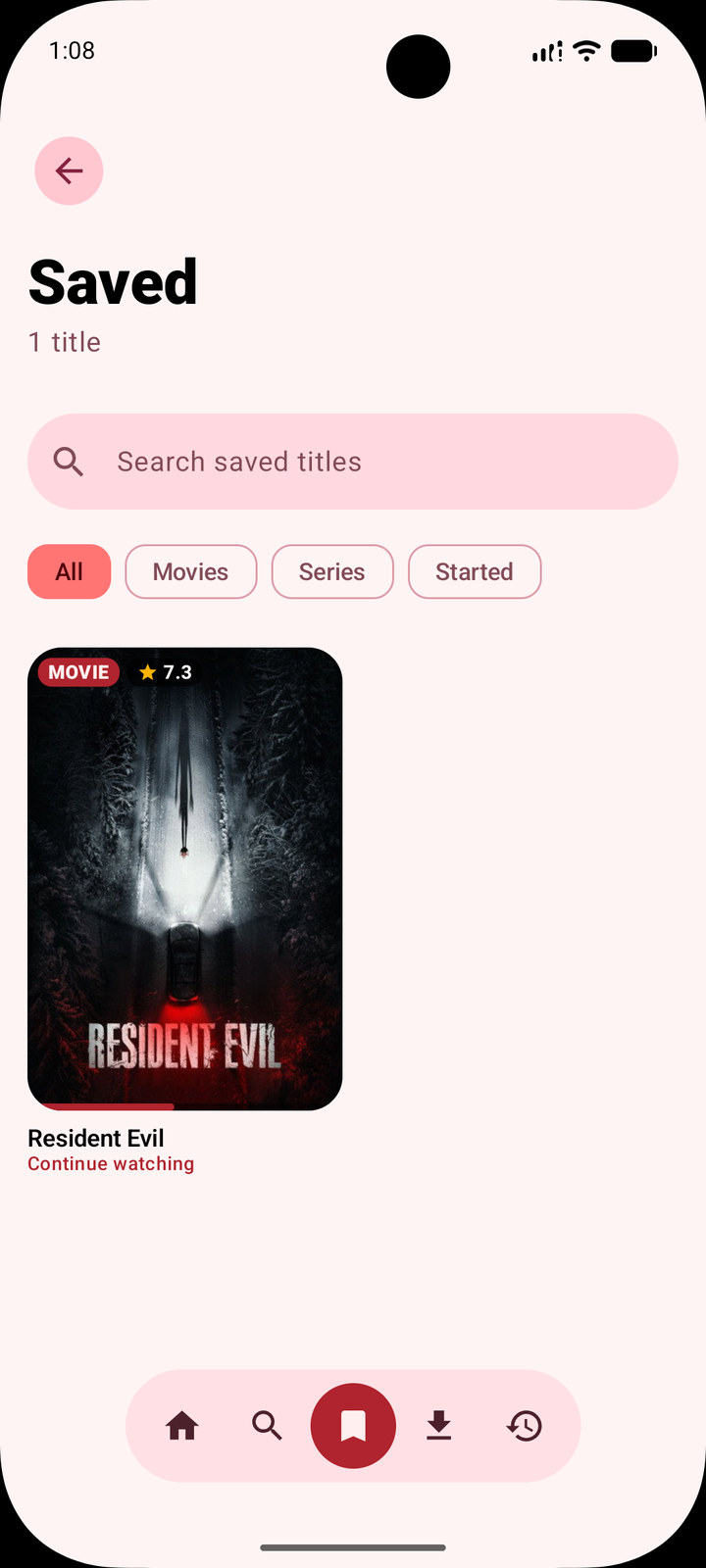
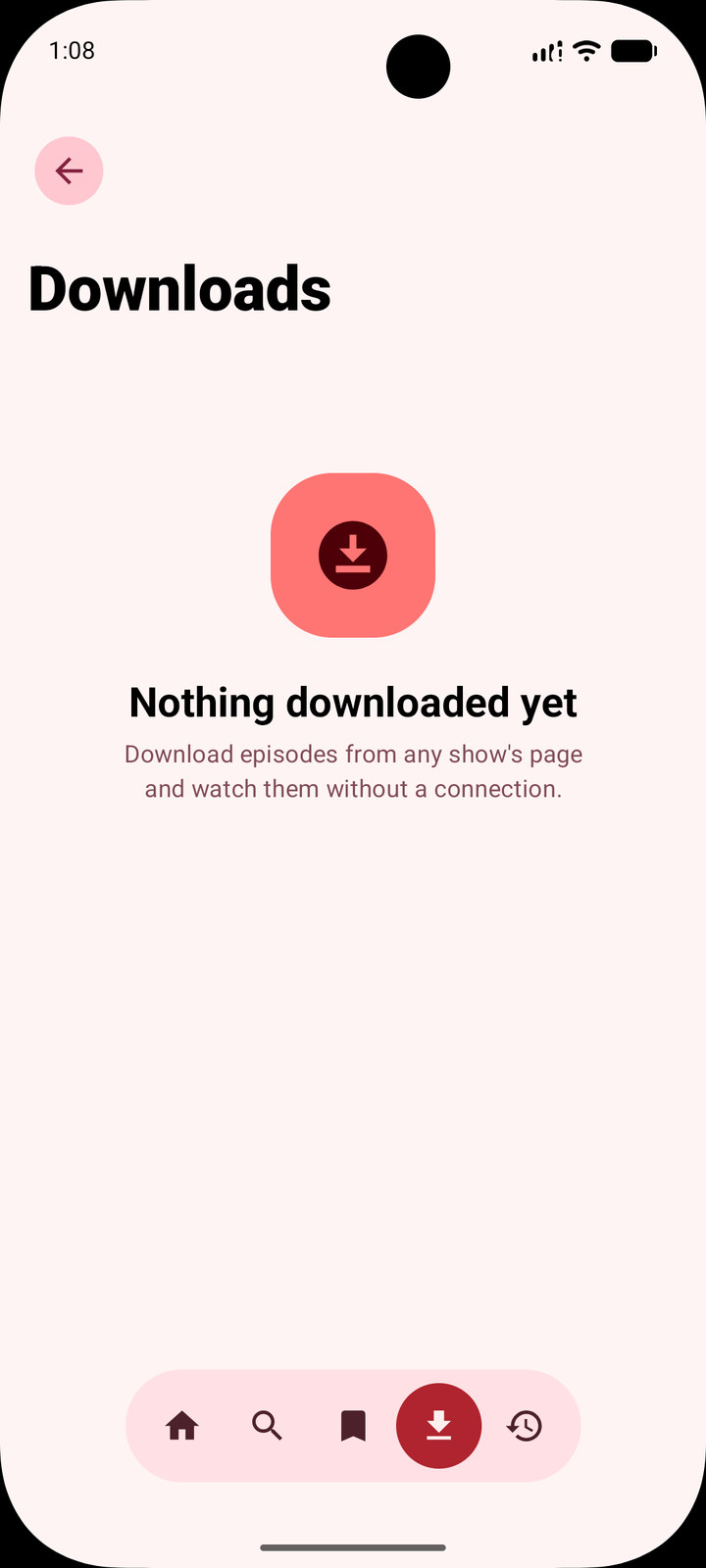
A single episode or a whole season, with pause, resume and retry. Smart downloads keeps the next few unwatched episodes of the shows you're watching ready offline and clears them once watched.
Subtitles in your chosen languages are saved with every download. A sheet per download shows what's there and lets you import a file or fetch from the stream, OpenSubtitles or SubSource.
Shows you have saved or started are checked once a day, and you hear about new episodes without opening the app.
Separate profiles, each optionally locked with a PIN that locks out after repeated wrong attempts.
Checks GitHub for a new release, then downloads and installs it without leaving the app.
Everywhere
On the TV home screen, with Home, Details and the player built for a remote: OK plays and pauses, left and right seek, up and down show the controls, and media keys work.
English plus Spanish, French, German, Italian, Portuguese (Portugal and Brazil), Russian, Ukrainian, Simplified Chinese, Japanese, Korean, Hindi and Arabic. Follow the system or pick one in Settings.
Colour from your wallpaper on Android 12 and up, a themed icon that follows it, and layouts for phones, tablets and landscape.
Built with
Downloadv2.2
One APK for every device. After the first install, the in-app updater handles every release.